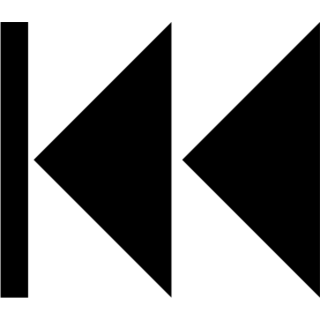
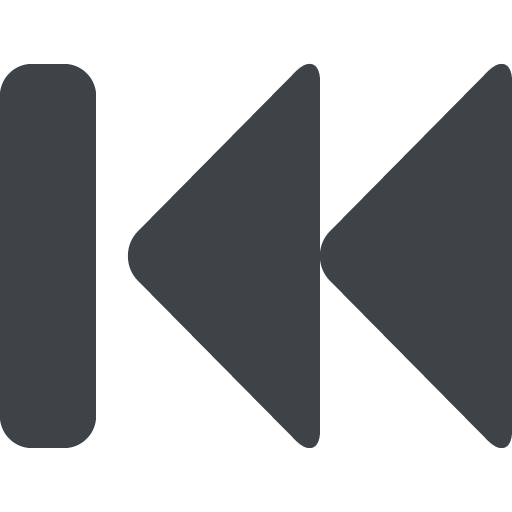
⏮️ This track button returns to a previous track or the start of the current one. Use it for playlists, replaying a favorite, or wishing to revisit a moment.
Compare platform designs and explore its recorded visual history.
49 recorded appearances across 14 platform families
Platform comparison
Compare the Last Track Button emoji across platforms
10 platform designs
Compare ⏮️ in Apple, Google, Samsung and other styles. Download each available version as a transparent PNG directly from its card, or choose SVG where available. Copying the character uses the style of the receiving device.
Enhanced PNGs are reconstructed from smaller vendor artwork; the exact originals are shown above for comparison. Artwork credits & usage terms
The visual archive
Last Track Button emoji design history
49 recorded appearances across 14 platform families
Follow this emoji’s recorded designs, from the earliest artwork on the left to the latest documented version on the right. Download a particular original to keep its platform design.
Original dimensions and animation are preserved. Dates labelled “Date unverified” have not been independently verified; limited-precision records show only the known month or year. Date checks identify the named release, not the first appearance of every drawing. Releases that reuse a drawing are not necessarily separate design milestones. Unavailable originals are marked on their records. How this archive is documented →
The meaning
What does the ⏮️ Last Track Button emoji mean?
The Last Track Button emoji features two left-pointing triangles flush against a vertical bar, typically rendered in white or black on a blue or gray rounded square. It functions as a navigational symbol, primarily intended to signify the action of returning to the start of a media file or skipping back to a previous selection in a playlist.
Common uses
Navigating music playlists or podcast episodes to re-listen to specific segments.
Expressing a desire to 'rewind' time or restart a conversation from the beginning during a disagreement.
Indicating a 'throwback' or nostalgic mood when sharing older photos or memories.
Technical documentation for UI/UX design and media player interface specifications.
Background
This emoji was introduced as part of Unicode 6.0 in 2010 and added to Emoji 1.0 in 2015.
Copy ⏮️ to use the Unicode character; the receiving device chooses its appearance. Download an available PNG or SVG to keep a particular drawing. Historical originals retain their native bytes and dimensions. Enhanced PNGs are separately labeled generated derivatives.